
Free Offline PDF Tools
100% Client-SideMerge, split, compress & edit PDFs privately. Files never leave your device.
✏️Organize & Edit PDF
9 tools🔄Convert & Optimize PDF
6 tools🛡️Secure PDF
4 toolsNo matching tools found
Try searching for keywords like "merge", "split", "compress", or "sign".
Why Offline & Client-Side PDF Processing?
Unlike traditional online PDF converters that upload your documents to third-party cloud servers, DumPDF processes 100% of your data inside your web browser. Your private contracts, medical documents, receipts, and personal files never leave your device.
Frequently Asked Questions
Common questions about DumPDF offline processing and privacy.
?Is DumPDF completely free to use?
Yes, absolutely. All PDF tools available on DumPDF are 100% free to use with no hidden charges, paywalls, or usage limits.
?Are my files secure with DumPDF?
Your security is our top priority. All file processing happens entirely on your computer (client-side) using modern WebAssembly and browser engines. Your files are never uploaded to our servers.
?Do I need to install any software?
No installation is required. DumPDF works directly in your web browser. For a faster offline workflow, you can install it as a Progressive Web App (PWA) with one click.
?What devices and browsers are supported?
DumPDF is supported on all modern desktop and mobile browsers including Chrome, Edge, Safari, Firefox, and Brave on Windows, macOS, Linux, iOS, and Android.
?Why is local browser processing safer than traditional online PDF tools?
Traditional tools send your files over the network to remote cloud servers. DumPDF keeps everything contained on your hardware, eliminating data leak risks and privacy breaches.
?Can I use DumPDF without an active internet connection?
Yes! Once loaded or installed as a PWA, DumPDF tools function 100% offline without requiring internet access.
Recent Articles & Insights
Stay updated on document security, privacy best practices, and PDF productivity.
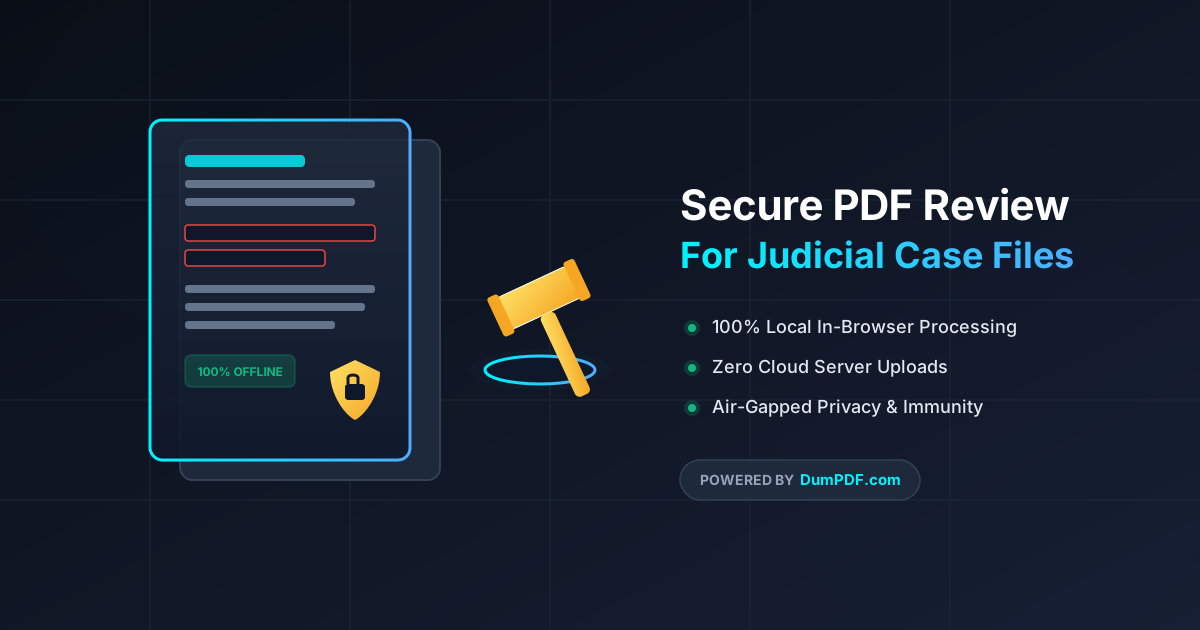
Secure PDF Review for Judges: 100% Offline Legal File Safety
Discover how judges and legal professionals securely review, edit, and sanitize confidential case files using 100% offline, browser-based PDF tools.
August 13, 2026
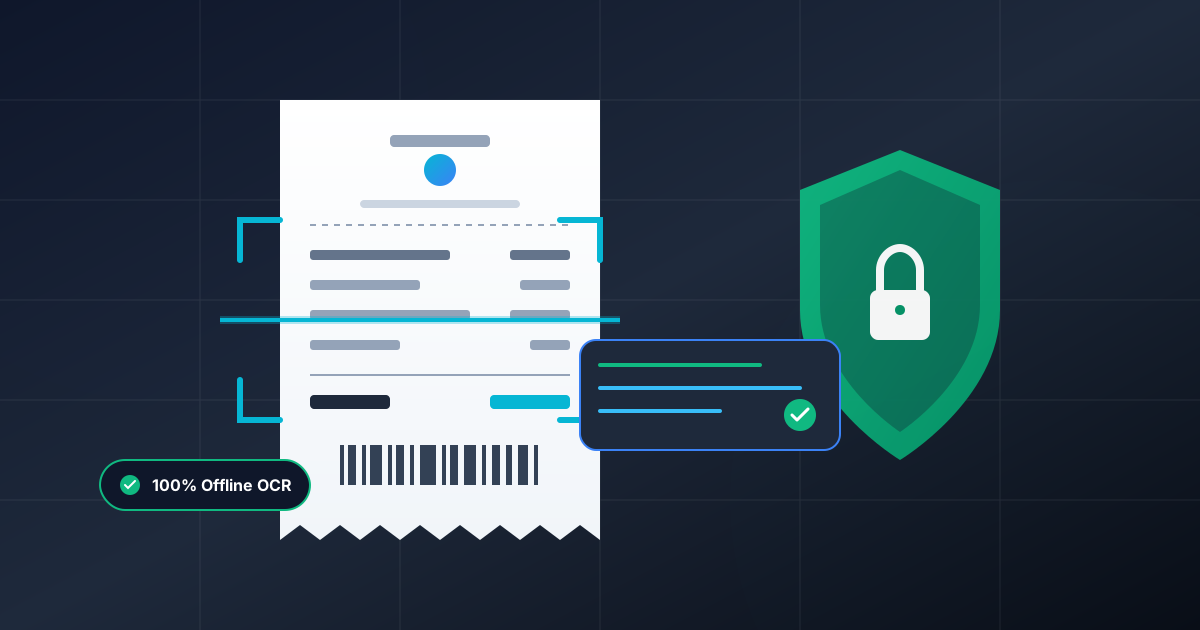
Extract Text from PDF Receipts Offline: Complete Guide
Learn how to safely extract text and data from PDF receipts offline using private, client-side browser tools without risking financial leaks.
August 7, 2026

How Accountants Secure Tax Files via Local PDF Encryption
Learn how accountants securely manage client tax documents using offline, browser-based local PDF encryption without uploading sensitive data.
August 4, 2026
Help Keep DumPDF 100% Free & Private
Zero server uploads • No accounts • No trackers