Convert PDF to Speech Offline: Privacy Meets Accessibility
Published on July 9, 2026
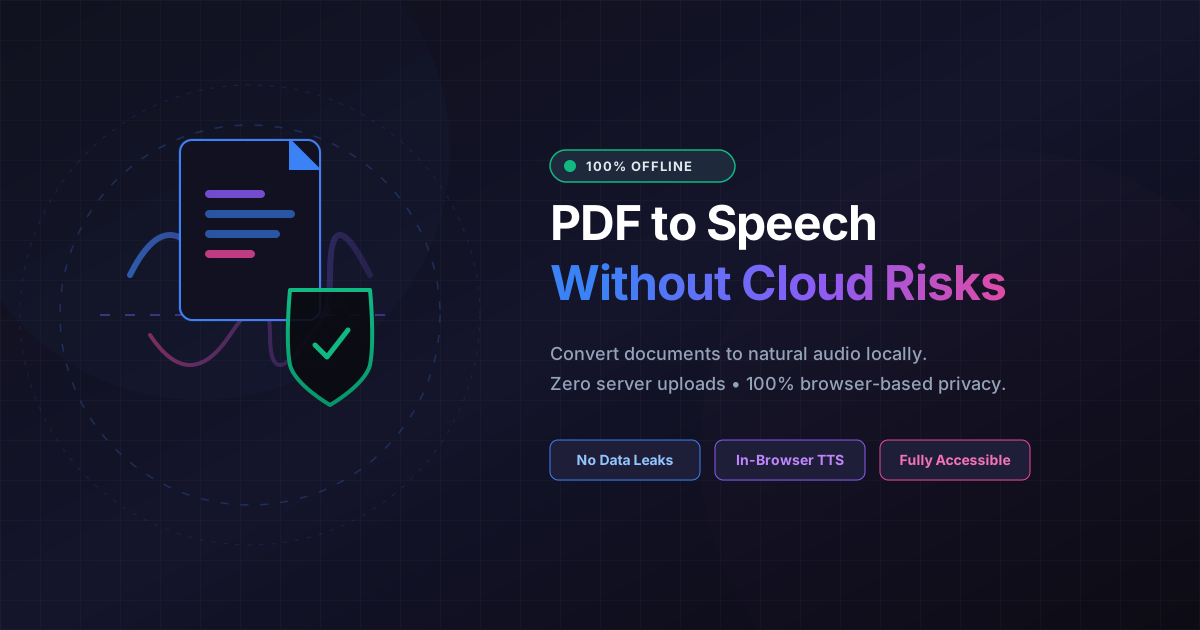
Quick Answer: Converting PDF to speech offline allows you to listen to your documents without risking your data privacy. By using client-side, in-browser tools like DumPDF, your files are processed entirely on your local device—never uploaded to a server—ensuring 100% data security and seamless accessibility.
In our hyper-connected digital landscape, the demand for text-to-speech (TTS) technology has skyrocketed. Students use it to absorb textbooks during their daily commutes, professionals leverage it to proofread reports, and individuals with visual impairments or learning differences like dyslexia rely on it as an essential daily accessibility tool.
However, a critical concern often goes unaddressed: Where does your data go when you click “play”?
Most conventional online PDF readers and TTS converters process your documents on remote cloud servers. This means your private contracts, financial statements, medical records, or proprietary research papers are uploaded to third-party databases, exposing you to potential data leaks, compliance violations, and privacy breaches.
Fortunately, there is a better way. By utilizing an offline PDF to speech converter that executes entirely within your browser, you can merge high-level digital accessibility with absolute, uncompromising data privacy.
The Hidden Cost of Cloud-Based Text-to-Speech
When you upload a document to a typical cloud-based PDF-to-speech tool, your file travels across the internet to a server owned by the service provider. While this model allows companies to leverage heavy server-side computing power, it introduces several significant drawbacks:
- Security Vulnerabilities: Any data in transit or stored on a remote server is a potential target for hackers and malicious actors.
- Compliance Risks: For professionals in healthcare (HIPAA), finance, or legal sectors, uploading client documents to unverified cloud servers can violate strict data protection regulations like GDPR or CCPA.
- Internet Dependency: If your connection drops, your ability to work or study disappears.
- Data Monetization: Some free tools bury clauses in their terms of service allowing them to use your uploaded documents to train machine learning models or target advertisements.
To solve these issues, the paradigm must shift from cloud-first to privacy-first.
Accessibility Meets Privacy: The Client-Side Revolution
The future of document utility lies in client-side processing. This technology allows complex operations—like rendering PDFs and synthesizing speech—to happen directly inside your web browser using your local device’s hardware.
When you use a client-side tool like DumPDF, your files never leave your computer. The browser acts as a secure, isolated sandbox. It reads the text within the PDF, processes it locally, and utilizes your operating system’s built-in text-to-speech voices to read the document aloud.
This hybrid approach ensures that you get the best of both worlds:
- 100% Privacy: Because zero bytes of your document are uploaded to a server, there is absolute zero risk of data leaks.
- Instant Performance: No upload or download times mean your PDF starts reading immediately.
- Offline Capability: Once the web application is loaded in your browser tab, you can disconnect from the internet entirely and continue converting your PDFs to speech.
Why Professionals and Everyday Users Need Offline PDF to Speech
The applications for a secure, offline private text-to-speech reader span across various industries and lifestyle needs:
1. Legal and Corporate Compliance
Lawyers, consultants, and corporate executives handle highly sensitive documents, non-disclosure agreements (NDAs), and intellectual property daily. Being able to listen to a 50-page contract to catch phrasing errors while knowing with 100% certainty that the document remains local is a massive win for corporate compliance.
2. Academic and Research Integrity
Researchers and students often work with unpublished manuscripts, proprietary datasets, or sensitive historical archives. Processing these materials locally prevents academic theft and preserves research integrity.
3. Accessible Learning Without Barriers
For individuals with visual impairments, ADHD, or dyslexia, auditory learning is a game-changer. An offline tool ensures that these users can access their study materials securely from anywhere—even in areas with poor internet connectivity, like a subway or a remote park.
How to Convert Scanned PDFs to Speech Privately
A common hurdle when converting PDFs to speech is dealing with scanned documents or images containing text. Standard screen readers cannot parse these files because they see them as flat images rather than selectable text.
To bypass this without compromising your privacy, you can use a local OCR PDF tool to convert the scanned images into searchable, readable text. Once the Optical Character Recognition (OCR) process is completed entirely within your browser, the text can be fed directly into the offline speech engine. This seamless, secure pipeline keeps your scanned medical records or historical documents completely private from start to finish.
The DumPDF Standard: Security by Design
At DumPDF, we believe that you shouldn’t have to trade your personal data for digital convenience. Our entire suite of PDF utilities is built on a “zero-server” architecture. Whether you are merging files, compressing documents, or converting text to speech, every calculation, rendering, and processing step occurs right on your device.
By utilizing modern web technologies like WebAssembly and the native Web Speech API, we provide professional-grade document manipulation tools that respect your privacy boundaries.
Key Benefits of the DumPDF Ecosystem:
- No Sign-ups Required: Use our tools immediately without giving away your email address.
- Zero Server Storage: We do not own, rent, or operate servers that store your PDF data.
- Cross-Platform Compatibility: Works seamlessly on Windows, macOS, Linux, iOS, and Android through any modern web browser.
Conclusion: Take Control of Your Document Privacy
Technology should empower us, not track us. By choosing offline, client-side solutions for your PDF-to-speech needs, you protect your digital footprint while enjoying top-tier accessibility features.
Ready to experience secure, high-performance document reading? Try our client-side tools today and discover how easy—and safe—managing your digital files can be.
Help Keep DumPDF 100% Free & Private
Zero server uploads • No accounts • No trackers