Compress Privacy-Sensitive PDFs Safely: The Ultimate Guide
Published on June 10, 2026
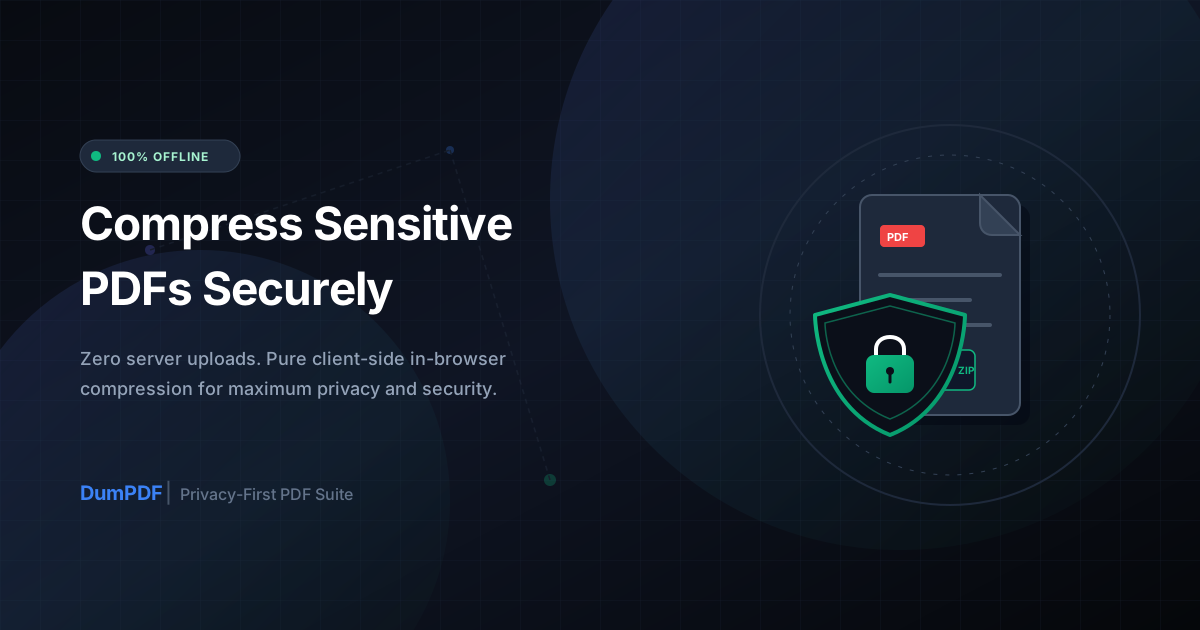
Quick Answer: To safely compress privacy-sensitive PDF files, use a client-side tool that processes files locally in your browser without uploading them to an external server, ensuring your confidential data never leaves your device.
In today’s digital landscape, the PDF is the undisputed king of document formats. Whether you are signing a commercial contract, archiving tax returns, or sharing medical records, chances are you are using a PDF. However, these documents are often incredibly large, packed with high-resolution images, embedded fonts, and rich metadata.
When you need to email or upload these files, you inevitably run into size limits. The immediate reaction for most users is to search for a quick online PDF compressor. But if your document contains highly sensitive, personal, or proprietary information, this quick fix can expose you to massive security risks.
In this ultimate guide, we will explore the hidden dangers of traditional online PDF compression and show you how to safely compress your privacy-sensitive files using cutting-edge, client-side offline technology.
The Hidden Security Risks of Standard Online PDF Compression
When you use a typical “free online PDF compressor,” you are making a dangerous trade-off: convenience for security. Here is what actually happens behind the scenes with most standard online PDF tools:
- Server Uploads: Your document is sent over the internet to a third-party server. Even if the connection is encrypted (HTTPS), your raw file still lands on a machine owned by someone else.
- Data Retention Policies: Many free tools store your files on their servers for hours, days, or even indefinitely. Their privacy policies might reserve the right to analyze your files or share aggregated data.
- Data Breaches: Third-party servers are prime targets for hackers. If the PDF tool’s server is compromised, your tax forms, corporate strategies, or medical histories could end up on the dark web.
- Compliance Violations: For professionals handling client data, uploading a PDF to a random cloud server can directly violate strict data protection regulations like GDPR, HIPAA, CCPA, and PCI-DSS. The penalties for these violations can be financially devastating and ruin your professional reputation.
The Solution: Client-Side, 100% Offline Processing
Fortunately, you do not have to choose between a small file size and complete data privacy. The solution lies in client-side, in-browser processing.
Unlike traditional cloud-based tools, client-side tools leverage the processing power of your own computer or mobile device. Using advanced modern web technologies like WebAssembly (Wasm) and JavaScript, the compression algorithms run directly inside your web browser.
How Client-Side Compression Works:
- Zero Uploads: When you drag and drop your document into the tool, it is loaded into your browser’s local memory. It is never sent to an external server.
- Offline Functionality: Because the code runs entirely on your machine, you can literally turn off your Wi-Fi or unplug your ethernet cable, and the tool will still compress your PDF perfectly.
- 100% Privacy: Since your data never leaves your device, there is absolutely zero risk of server intercepts, cloud data leaks, or third-party storage violations.
At DumPDF, we built our entire platform around this privacy-first philosophy. When you use our tool to compress PDF files, you get maximum file size reduction with absolute peace of mind.
Step-by-Step Guide to Safely Compressing Sensitive PDFs
Compressing your sensitive documents locally is incredibly easy. Follow these simple steps to reduce your file size without compromising your data:
Step 1: Prepare Your Document (Sanitization)
Before compressing, ensure your document only contains the information you want to share. If your file contains highly confidential details like Social Security Numbers, credit card details, or private names that the recipient shouldn’t see, you must permanently remove them. You can use a local tool to redact PDF files to safely black out sensitive text before proceeding with compression.
Step 2: Choose a Trusted Client-Side Tool
Open your web browser and navigate to a secure, serverless platform like DumPDF. Look for indicators of local processing (such as the ability to load the page, disconnect from the internet, and still process the file).
Step 3: Upload and Compress
Drag your PDF into the designated drop zone. Select your desired compression level (which balances file size reduction with visual quality). Click “Compress” and watch the process complete in milliseconds.
Step 4: Download Your Securely Compressed PDF
Save the newly optimized PDF directly to your local drive. Your original file and the compressed version have remained entirely within your local environment throughout the entire process.
Best Practices for Handling Confidential PDF Documents
To maintain an airtight security posture when managing sensitive PDFs, incorporate these best practices into your daily workflow:
- Verify Offline Capability: Test your PDF tools by opening them, turning on Airplane Mode, and processing a file. If it works without an internet connection, you know your data is safe.
- Clear Metadata: PDFs often contain hidden metadata, including author names, creation dates, software signatures, and edit histories. Use local sanitization tools to strip this metadata before sharing files.
- Apply Strong Password Protection: If you are emailing a compressed PDF containing sensitive data, encrypt it with a strong password. Send the password to the recipient via a separate communication channel (like an encrypted SMS or signal message) rather than the email itself.
- Avoid Public Wi-Fi: When handling highly sensitive documents, avoid using public, unsecured Wi-Fi networks. Even with client-side processing, keeping your device offline or on a trusted network prevents side-channel security risks.
Why DumPDF is the Ultimate Choice for Secure PDF Manipulation
DumPDF was designed from the ground up to solve the security dilemmas of modern web users. We believe that you shouldn’t have to install bloated, expensive desktop software just to keep your documents private, nor should you have to risk your data on insecure cloud websites.
Our suite of tools runs entirely in your browser. Whether you need to compress, merge, split, or convert documents, your files never touch our servers. Experience the future of secure, lightning-fast, and completely private PDF utility tools today.
Help Keep DumPDF 100% Free & Private
Zero server uploads • No accounts • No trackers