
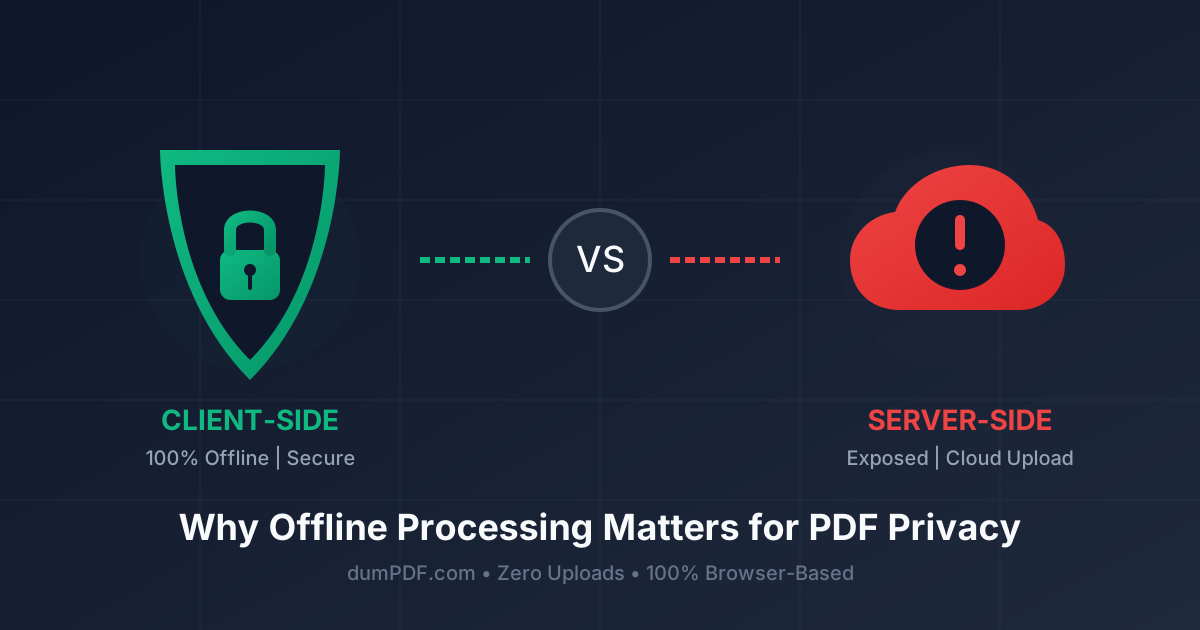
Client-Side vs Server-Side PDF: Why Offline Matters
Published on June 21, 2026
Quick Answer: Client-side PDF tools process your files directly inside your web browser without uploading them to an external server, ensuring 100% data privacy. Server-side tools, however, require uploading your sensitive documents to third-party servers, exposing them to potential data leaks and security breaches.
Every day, millions of users upload sensitive documents—such as tax returns, employment contracts, medical records, and bank statements—to online PDF utilities. We need to split a page, compress a file, or sign a contract, and the easiest way is to search for a quick online tool.
But have you ever stopped to ask: Where does my document go when I click “Upload”?
The answer depends entirely on whether the tool you are using is server-side or client-side. Understanding the difference between these two technologies is the key to protecting your personal and professional data. Let’s dive deep into the mechanics of PDF processing and explore why offline, client-side tools like DumPDF are the gold standard for modern document privacy.
What is Server-Side PDF Processing?
For over a decade, the vast majority of online PDF utilities have operated on a server-side model.
When you use a server-side tool, the process looks like this:
- You select a PDF file from your local device.
- The website uploads your file to their remote cloud server.
- The server’s processor performs the requested task (e.g., converting, merging, or compressing).
- The server generates a download link for the output file.
- You download the processed file back to your device.
The Hidden Risks of the Server-Side Model
While server-side tools are highly common, they introduce significant privacy and security vulnerabilities:
- Data Retention Policies: Even if a website claims to “delete files after 1 hour,” your data still sits on a third-party server for that duration. If that server is compromised during that window, your data is exposed.
- Data Leaks and Hacks: No server is 100% unhackable. Databases get breached, cloud storage buckets are occasionally left misconfigured, and malicious actors actively target document-processing servers because they contain rich, structured personal data.
- Server Logs and Backups: Even if the main file is deleted, fragments of your data or metadata may persist in server logs, temporary cache directories, or automated cloud backups.
- Compliance Violations: For professionals handling medical (HIPAA), financial, or European user data (GDPR), transmitting files to an unverified third-party server can result in severe legal and regulatory penalties.
What is Client-Side (In-Browser) PDF Processing?
Client-side processing represents a massive paradigm shift in web technology. Instead of sending your file to a remote server, all the processing happens directly on your machine, inside your web browser.
When you use a client-side tool like DumPDF:
- You drag and drop a PDF into the browser window.
- The web application uses modern browser technologies (like WebAssembly and Javascript) to load the document into your local computer’s memory.
- Your own CPU does the heavy lifting to edit, compress, or convert the file.
- The finished file is saved directly to your local storage.
Your file never leaves your computer. It is never uploaded to the internet, and no external server ever sees its contents.
The Privacy Showdown: Client-Side vs. Server-Side
| Feature | Server-Side Tools | Client-Side Tools (DumPDF) |
|---|---|---|
| File Upload Required? | Yes | No (Processed locally) |
| Internet Connection? | Mandatory | Optional (Works offline) |
| Data Leak Risk | High (Server breaches, logs) | Zero (Data never leaves your device) |
| Processing Speed | Dependent on upload/download speed | Instant (Limited only by your device’s CPU) |
| GDPR/HIPAA Compliance | Difficult to verify | Inherently Compliant (No data transfer) |
Why Offline and In-Browser Processing is the Future
1. Absolute Privacy by Design
With client-side tools, privacy isn’t a promise written in a vague “Privacy Policy” document—it is guaranteed by the laws of network architecture. Because there is no network request sending your PDF payload to a server, it is physically impossible for a data leak to occur on the provider’s end.
2. True Offline Functionality
Have you ever tried to edit a document while on an airplane, commuting on a train, or dealing with spotty hotel Wi-Fi? Server-side tools become completely useless without a strong internet connection. Because client-side tools run locally, you can load the web app once, disconnect from the internet entirely, and continue to process your documents in complete isolation.
3. Blazing Fast Speeds
When using server-side tools, you have to wait for the file to upload, wait for the server queue to process it, and then wait for the file to download. If you are working with a 100MB PDF, this can take several minutes. Client-side tools bypass the network bottleneck entirely. Since the file is already on your machine, local processing is near-instantaneous.
How to Manage Your Documents Safely with DumPDF
DumPDF is built from the ground up to champion this offline, client-side revolution. You don’t have to sacrifice powerful features to maintain your privacy.
For instance, if you need to combine multiple contracts or reports, you can safely merge PDF documents entirely within your browser window. The files are joined locally using your browser’s memory, ensuring that sensitive business metrics or personal details remain confidential.
Similarly, if you are sharing a document that contains sensitive or restricted information, you can protect PDF files by applying strong encryption passwords locally before sending them over email. Because the password hashing and encryption happen on your own CPU, your master password is never transmitted across the web.
Conclusion: Stop Uploading, Start Processing Locally
In an era where data breaches are a daily occurrence, we must be vigilant about where we send our digital footprints. Uploading highly sensitive, unstructured PDF documents to remote servers is a security risk that is no longer necessary.
By choosing client-side, offline-first utilities like DumPDF, you regain absolute ownership of your data. You get the convenience of a web-based app with the ironclad security of offline desktop software.
Make the smart choice for your digital security: Keep your files on your machine, where they belong.
Help Keep DumPDF 100% Free & Private
Zero server uploads • No accounts • No trackers