HIPAA Compliant PDF Processing: Secure Offline Tools
Published on July 2, 2026
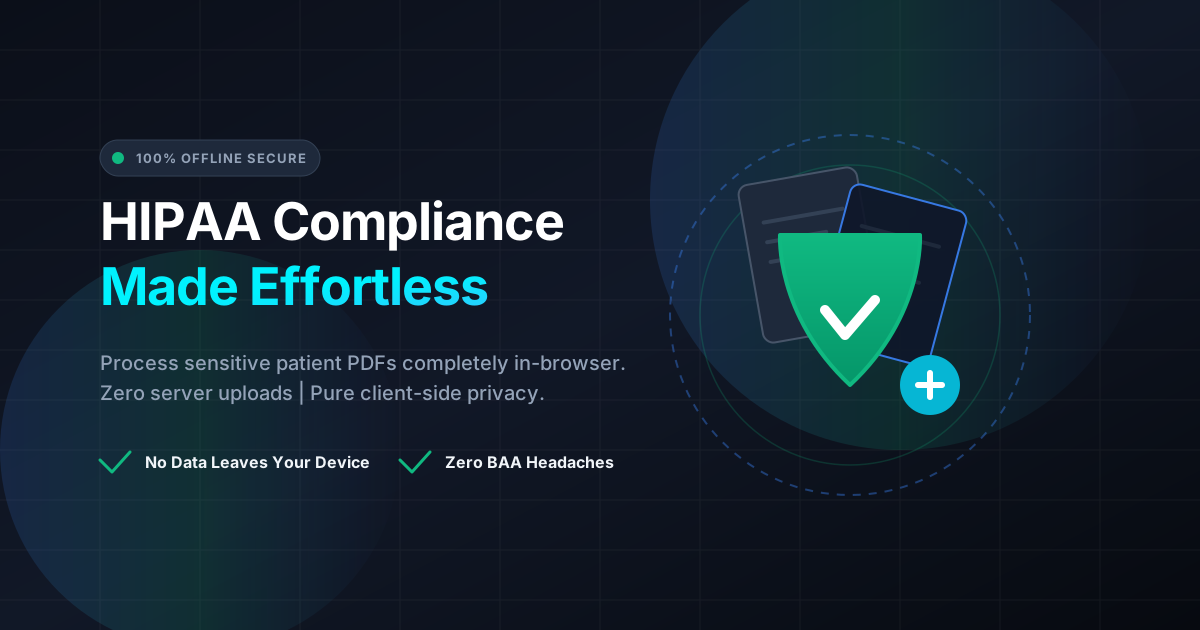
Quick Answer: Healthcare providers can easily maintain HIPAA compliance by using client-side, offline PDF processing tools that execute entirely within the local web browser. Because files are never uploaded to an external server, patient data remains 100% private on your local machine with zero risk of data leaks.
The healthcare industry runs on documentation. From patient intake forms and diagnostic reports to insurance claims and billing statements, medical professionals handle hundreds of PDF files daily. However, managing these documents comes with a heavy burden of responsibility: maintaining HIPAA compliance.
Under the Health Insurance Portability and Accountability Act (HIPAA), healthcare providers must protect Electronic Protected Health Information (ePHI) from unauthorized access and data breaches. Unfortunately, many busy healthcare workers turn to “free online PDF tools” to quickly merge, split, or compress files, unaware that they are uploading highly sensitive patient data to third-party servers. This innocent mistake can lead to catastrophic data breaches, massive regulatory fines, and a loss of patient trust.
Fortunately, there is a simple, highly secure solution: client-side, offline PDF processing. Let’s explore how offline browser technology makes HIPAA compliance effortless for modern healthcare providers.
The Hidden Danger of Cloud-Based PDF Tools
When you use a traditional online PDF tool, the workflow typically looks like this:
- You upload your PDF file to the tool’s website.
- The file travels over the internet to a remote server.
- The server processes your document (e.g., merging or splitting).
- You download the processed file from the server.
While convenient, this process is a security nightmare for healthcare providers. The moment ePHI is uploaded to an external server, several compliance vulnerabilities arise:
- Data in Transit: Even with encryption, transmitting files over the internet introduces a window of vulnerability for interception.
- Data at Rest: You have no control over how long your files remain on the third-party server. Are they deleted instantly, or do they sit in temporary cache storage for days or weeks?
- Lack of a BAA: Under HIPAA, any third-party service provider that handles ePHI on your behalf is considered a “Business Associate.” You must have a signed Business Associate Agreement (BAA) with them. Standard free PDF websites do not offer BAAs, making their use a direct violation of HIPAA rules.
The Solution: Client-Side, Offline Processing
The paradigm of web development has shifted. Thanks to modern browser technologies like WebAssembly (Wasm) and advanced JavaScript, your web browser is now powerful enough to perform complex calculations and file manipulation locally on your computer.
This is known as client-side processing. When you use a client-side tool like DumPDF:
- Your files never leave your device.
- No data is uploaded to a server.
- The entire PDF manipulation process happens purely in your browser’s local sandbox.
- You do not even need an active internet connection once the page is loaded.
Because your patient files never travel across the internet or land on a foreign server, no ePHI is exposed. This completely bypasses the need for complex security audits or expensive BAAs with PDF tool vendors, making HIPAA compliance naturally built-in.
Key Benefits of Offline PDF Tools for Healthcare Providers
1. Absolute Privacy and Zero Data Leaks
Since files are processed locally, the risk of a server-side data breach is reduced to zero. Even if the website hosting the tool is targeted by hackers, your patient documents are safe because they were never on those servers to begin with.
2. Instant Regulatory Compliance
With offline processing, you are not sharing ePHI with a third party. This means you do not need to worry about the administrative overhead of securing BAAs for basic document manipulation tasks. You remain in full control of your data lifecycle.
3. Blazing Fast Speeds
Traditional PDF tools require you to wait for a file to upload, process on a remote server queue, and then download. If you are working with large patient charts, this can take several minutes. Offline tools process your files instantly using your computer’s local processor, saving valuable time in fast-paced medical environments.
4. Reliability in Low-Bandwidth Environments
Medical clinics, rural hospitals, and home-health providers often operate in areas with spotty internet connections. Because client-side tools run locally, you can continue managing your documents seamlessly even if your internet connection drops.
Essential PDF Tasks Made Safe and Simple
Healthcare professionals perform several recurring document tasks that require robust, secure tools. Here is how offline processing protects your workflow:
Protecting Patient Records
Before sending any medical records via email or storing them on shared network drives, they must be secured. Healthcare workers can securely protect PDF documents with strong user passwords and encryption algorithms directly in their browser. This ensures that only authorized personnel with the password can access the sensitive medical history inside.
Redacting Sensitive PHI
When preparing medical documents for clinical trials, research, or public training, all identifying information must be permanently removed. Using an offline tool to redact PDF files ensures that names, Social Security Numbers, and medical record numbers are completely scrubbed from the file’s metadata and visual layers without the risk of the original, unredacted document leaking online during the process.
Organizing Patient Charts
Often, patient files arrive as disorganized, multi-page scans. Providers need to split large documents into individual records, merge lab results with clinical notes, or reorder pages for chronological accuracy. Doing this offline keeps the entire compilation process private and secure.
Why DumPDF is the Ultimate HIPAA-Friendly Companion
DumPDF was designed from the ground up with a “privacy-first” philosophy. Unlike traditional PDF utilities that treat your files as data to be collected, DumPDF processes 100% of your documents inside your web browser.
- No Server Uploads: Your files are processed entirely on your local CPU.
- No Accounts Required: You don’t need to log in, share your email address, or provide any personal information to use the tools.
- Open and Free: Access premium-grade PDF tools without the enterprise price tag or compliance headaches.
By shifting your administrative workflow to DumPDF, you eliminate one of the most common shadow-IT compliance risks in your healthcare organization.
Best Practices for Healthcare Staff Managing PDFs
While using offline tools dramatically improves your security posture, it is important to maintain overall digital hygiene:
- Clear Browser Cache: Regularly clear your browser’s cache or use Incognito/Private browsing mode when handling sensitive patient files.
- Secure Your Workstation: Ensure your local computer has active antivirus software, an enabled firewall, and is locked when you step away.
- Train Your Team: Educate administrative and clinical staff on the dangers of uploading patient records to standard cloud-based conversion websites. Make offline-only tools the standard protocol for your clinic.
By adopting a client-side approach to document management, you can focus on what matters most: delivering exceptional patient care, confident that your administrative workflows are secure, private, and fully compliant.
Help Keep DumPDF 100% Free & Private
Zero server uploads • No accounts • No trackers