Why Lawyers Must Use Offline PDF Tools for Client Privacy
Published on June 17, 2026
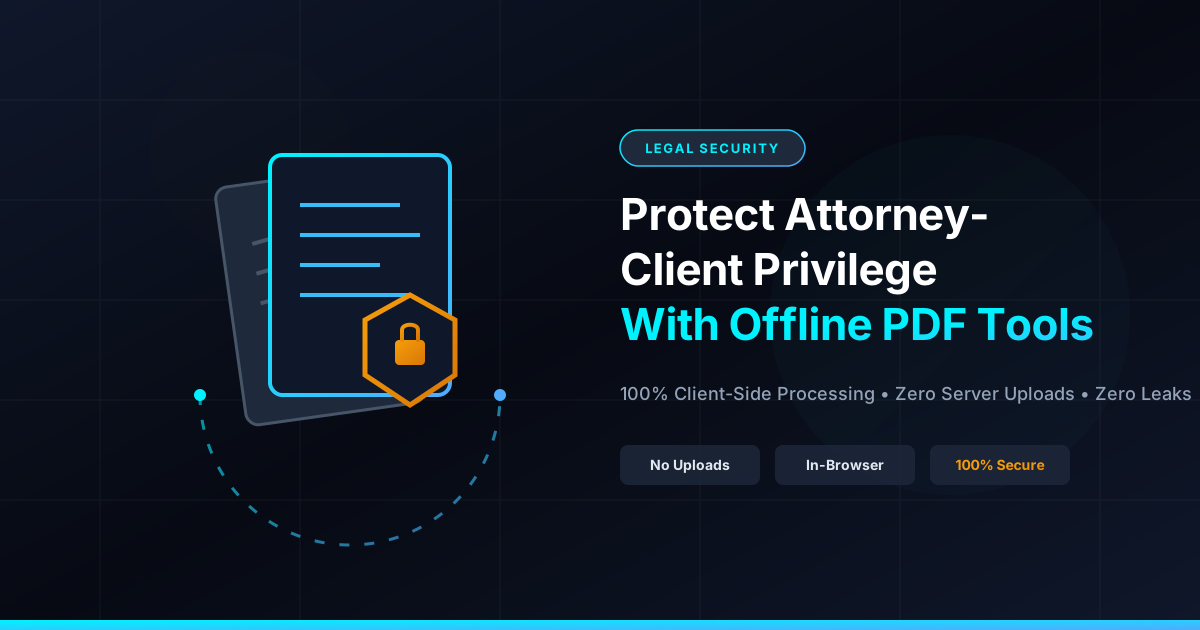
Quick Answer: To uphold attorney-client privilege, legal professionals must use client-side, offline PDF tools that process documents entirely within the local browser. This approach guarantees that sensitive case files are never uploaded to external servers, eliminating the risk of data leaks and unauthorized third-party access.
In the legal profession, confidentiality is not just a best practice—it is a strict ethical and legal mandate. The attorney-client privilege protects communications and documents from being disclosed without the client’s consent. However, in our rapidly digitizing world, this sacred boundary is increasingly threatened by a silent culprit: cloud-based document processing.
Every day, thousands of legal professionals upload sensitive contracts, deposition transcripts, and evidence files to free online PDF converters to merge, split, or compress them. What many do not realize is that uploading a document to a standard cloud-based PDF utility can constitute a severe breach of confidentiality.
To protect your clients and maintain compliance with strict legal standards, making the switch to client-side, offline PDF tools is no longer optional—it is a necessity.
The Hidden Danger of Cloud-Based PDF Tools
When you use a traditional online PDF tool, your document is uploaded to a remote server owned by a third-party provider. While many services claim to delete files after a few hours, the mere act of transmitting and storing this data on external servers introduces massive vulnerabilities.
1. The Threat of Server Hacks and Data Breaches
Centralized cloud servers are high-value targets for cybercriminals. If a hacker breaches the servers of a popular PDF utility, every document currently stored or cached on that server is compromised. For a law firm, a breach of this nature could expose trade secrets, financial records, or sensitive personal data, leading to catastrophic reputational damage and malpractice lawsuits.
2. Terms of Service and Data Ownership
Many free online PDF utilities hide alarming clauses in their terms of service. By uploading a document, you may inadvertently grant the provider the right to store, analyze, or even share your metadata. For legal professionals, allowing a third party any level of access to privileged documents is an ethical compromise.
3. Compliance Failures (GDPR, HIPAA, and ABA Rules)
Under the American Bar Association (ABA) Model Rule 1.6(c), lawyers are required to make “reasonable efforts” to prevent the inadvertent or unauthorized disclosure of information relating to the representation of a client. Uploading unencrypted, highly confidential files to unvetted cloud servers rarely meets this standard of “reasonable effort.” Furthermore, handling protected health information (PHI) via cloud tools without a Business Associate Agreement (BAA) directly violates HIPAA regulations.
Why Client-Side, Offline Processing is the Ultimate Solution
The solution to this security crisis lies in client-side, offline processing. This is a revolutionary technology where document manipulation happens entirely inside your local web browser.
When you use a privacy-focused platform like DumPDF, the files you select are never uploaded to a server. Instead, the browser leverages modern web technologies (such as WebAssembly and local JavaScript) to perform all operations—like merging, splitting, or converting—directly on your device.
[Your Device]  --- (File never leaves your computer) --->  [In-Browser Local Processing]
      |
      X  <--- BLOCKED: No Upload to External Servers
      |
[Cloud Server]
The Benefits of Local Browser Processing:
- 100% Privacy: Because your files never traverse the internet to a third-party server, there is zero risk of interception or server-side leaks.
- True Offline Capability: Once the website is loaded, you can disconnect your internet entirely and continue processing your documents.
- No Data Footprint: There are no temporary files stored on remote servers, no cached copies, and no metadata left behind in the cloud.
- Compliance by Design: By keeping data strictly local, you inherently satisfy the requirements of HIPAA, GDPR, and ABA Model Rules regarding document security.
Key Legal Use Cases for Offline PDF Manipulation
Lawyers handle a diverse array of document management tasks daily. Transitioning to an offline workflow does not mean sacrificing functionality. Here is how offline tools safely handle critical legal tasks:
Redacting Sensitive Case Information
Before submitting documents to the court or opposing counsel, lawyers must obscure personally identifiable information (PII), trade secrets, or confidential financial figures. Using a cloud tool for this is highly risky, as the original, unredacted file is sent over the internet. By using an offline tool to redact sensitive information, you ensure that the unredacted source file never leaves your machine, and the final output is permanently flattened and secured locally.
Securing Discovery Documents and Contracts
When sharing files with external parties, it is vital to restrict access. Lawyers frequently need to restrict editing, printing, or copying permissions on sensitive PDFs. Doing this locally allows you to protect PDF files with passwords and robust encryption without ever exposing the unprotected original file to an external server.
Compressing and Organizing Large Exhibits
Legal filings often have strict file size limits. Compressing large exhibits or reordering deposition pages can be done instantly in your browser. Because the processing happens locally, even multi-gigabyte files can be compressed or rearranged faster than it would take to upload them to a cloud server.
How to Verify If a PDF Tool is Truly Safe
Not all PDF tools that claim to be “secure” actually process files locally. To ensure your law firm is using a genuinely private tool, look for the following indicators:
- Check the Network Tab: Open your browser’s Developer Tools (F12), go to the “Network” tab, and perform a PDF operation. If you see large data payloads being sent to an external URL, your file is being uploaded to a server. If there is no network traffic during the processing, the tool is running locally.
- Test While Offline: Load the PDF tool’s website, turn off your Wi-Fi or unplug your internet cable, and try to process a document. If the tool still works perfectly without an internet connection, it is a true client-side application.
- Clear Privacy Policy: A trustworthy tool will explicitly state that files are processed entirely in the browser and never transmitted to external servers.
Conclusion: Take Control of Your Firm’s Document Security
As cyber threats grow more sophisticated, the legal industry remains a prime target. Protecting attorney-client privilege requires proactive measures, starting with the software you use daily.
By shifting your document workflows to offline, client-side tools like DumPDF, you eliminate the risks associated with cloud uploads. You retain absolute control over your clients’ sensitive data, ensure compliance with ethical standards, and gain peace of mind—all without sacrificing the speed and convenience of modern web tools. Switch to a local-first PDF workflow today and make document leaks a thing of the past.
Help Keep DumPDF 100% Free & Private
Zero server uploads • No accounts • No trackers